Gimp 3, better 20 years late than never
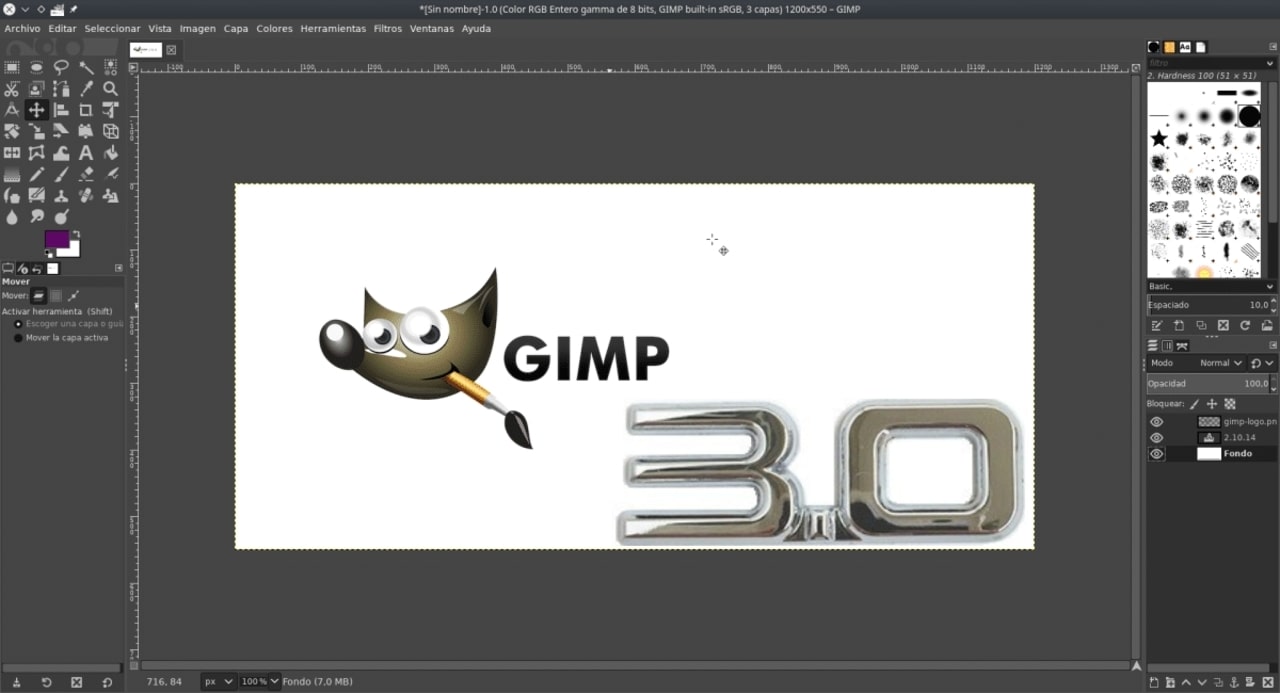
On my quest to rid myself of proprietary desktops, I found myself in need of a raster image editor for Linux. Windows, no brainer, Paint.net all the way. Mac…. after struggling for a decent solution (non rent-seeking Photoshop) I purchased Affinty Photo, which did a fantastic job. Traditionally, Linux had a vacuum here. There was the dreaded, arcane, and incomprehensible Gimp, and not much else. Krita is a wonderful general purpose drawing suite, but it’s menus, and focus, do not lend itself to opening some random bitmap, and quickly doing basic tasks to it. Don’t get me wrong, if you know Krita well, you can substitute it for Gimp, but not without going through a few layers of menus. Nothing wrong with that, Krita shoulnd’t change a thing, it’s great for exactly what it is. However, Krita is not an easy, intuitive, bitmap editor. Most of the time, that’s what many people need. Pinta was the closest thing available that I’d previously found for Linux, and I really want to like it. Basically, Pinta is the FOSS Linux version of Paint.net… except it’s not. Pinta is just good enougn to make you miss Paint.net, and unfortunately, buggy.
So what to do? I heard Gimp 3 was nearing release, so out of desperation I ran the latest beta. The last time I needed Photoshop level complexity was with Photoshop CS, and I didn’t think the new Gimp was up to the task. I was happy to be proven wrong. I created a project with around 40 layers, a few color channel adjustments, and some good old fashioned magic wand & multi-select. Aside from one buggy scare that nearly corrupted my project (it is still beta), Gimp 3 got the job done. Not just completed, but intuitively completed. I spent the majority of my time working, not reading guides. Gimp 3 was new enough that I had an excuse to not read guides. I can’t speak for how much the interface has changed, except for a lot. I ran away screamig from Gimp 15 years ago, but this is a completely different UI. I only had to look something up that I didn’t know once. Non-destructive editing, check. PSD export, with layers, check. Easy enough for simple operations with no prior experience, check. This was everything I hoped Gimp could be, 20 years ago.
I don’t need convincing, my project works. The next time I need to do any editing, I will reach for Gimp first instead of Pinta. It’s my new goto for simple, get it done, editing. The biggest problem now is convincing anyone else that Gimp works. After 20 years, Gimp now has to shake off it’s well deserved bad reputation. I don’t know what the answer is here, but there’s always been a need for a working Gimp. I think many people will be in my position and begrudgingly give Gimp a chance again. If you do, be prepared to be surprised. It’s intuitive, it’s feature complete, and it works.